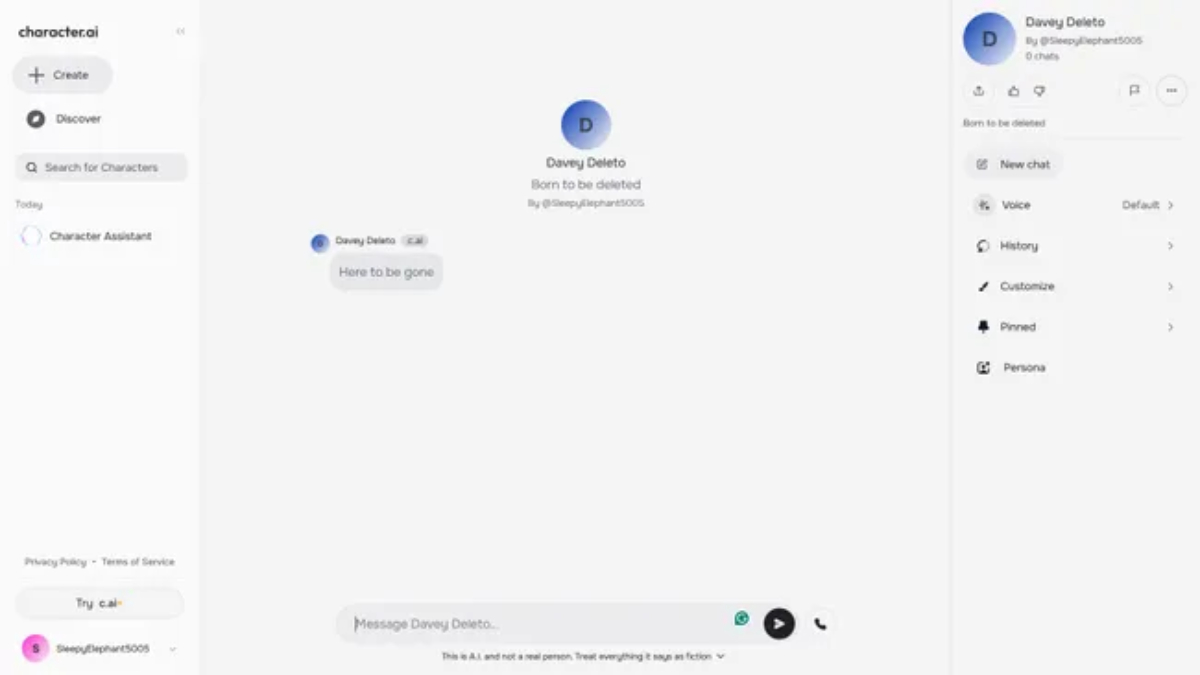
Character AI offers a huge library of virtual personalities created by users, historical figures, and fictional characters. But sometimes, if you’ve created a character you no longer want on the platform, you might look for a way to remove it. Unfortunately, Character AI doesn’t provide a true “delete” option for AI-generated personalities, but there are ways to manage them to limit visibility.
How to Hide or Obscure Character AI Personalities
You can make your character effectively invisible by setting it to private or by overwriting its details. Here’s how:
- Log in to Character AI and open the character you want to hide.
- Edit the Character: In the right-side panel of the character’s profile, click the three dots, select “Edit,” and scroll to the “Visibility” setting.
- Set to Private: Change visibility to private, making it accessible only to you.
- Save Changes: Confirm with “Save Changes” at the bottom right.
If you want to further obscure the character:
- Replace its name, description, and other details with placeholder text like “N/A.”
- Save your changes again to overwrite the character’s personality.
How to Stop Meta AI Summaries on Facebook
Meta AI comment summaries can be useful for skimming complex posts, but if you find them cluttering your screen, you can turn them off easily:
- Open Facebook on your browser or mobile app.
- Go to the Settings menu under “Settings & Privacy.”
- Select “Posts” and locate the “Allow Comment Summaries on Your Posts” setting.
- Toggle it Off: Slide the setting to the left to turn off comment summaries.
Reloading the website or app should remove the AI summaries, leaving your feed free of Meta AI summaries.